


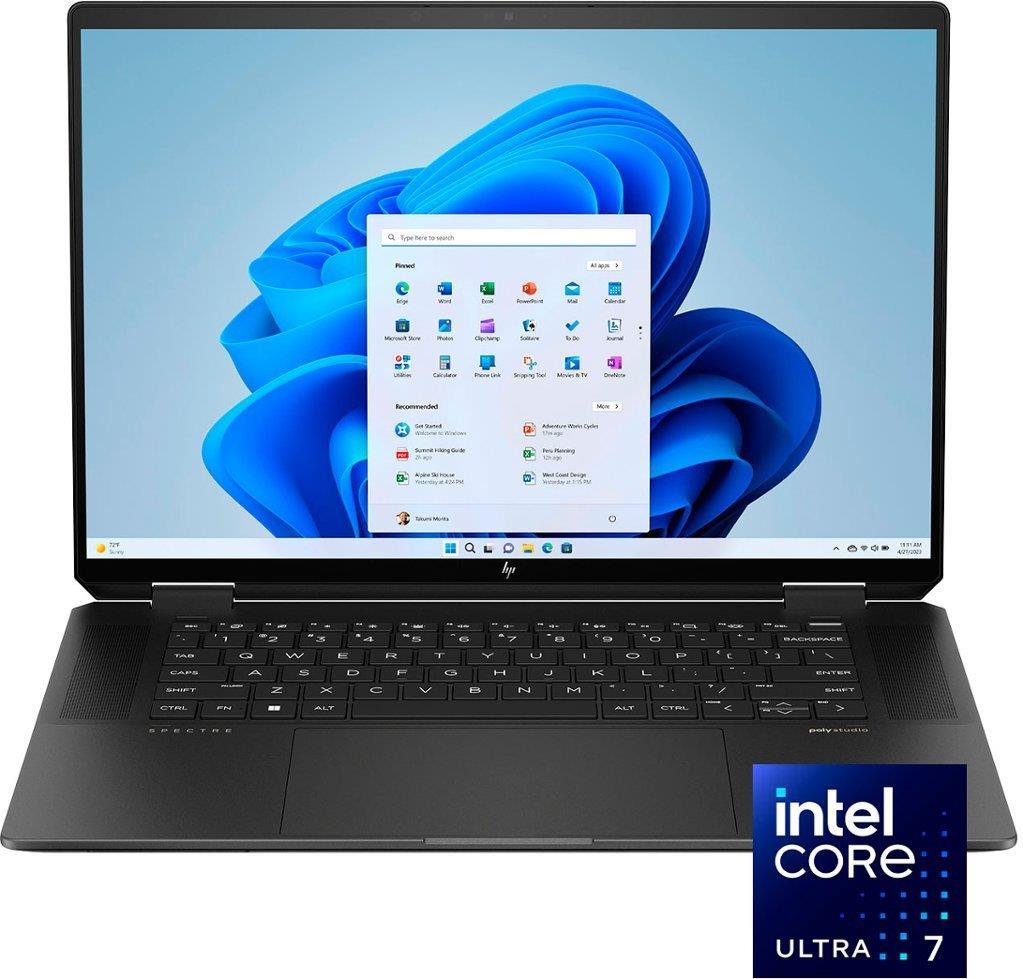
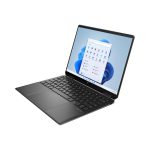
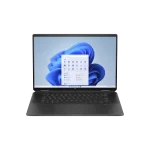

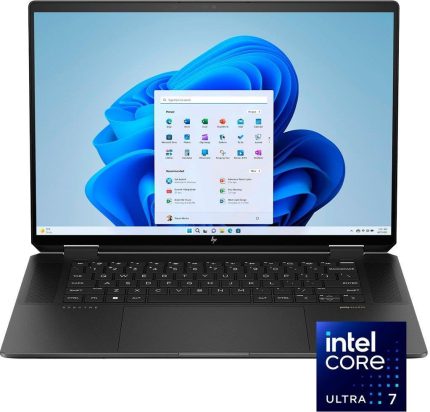
HP Spectre x360 16 AA0013dx Intel Ultra 7 155H Processor 16GB RAM 1TB SSD Graphics 16″ WQXGA 1600p IPS Touchscreen
HP Spectre x360 16 AA0013dx,Intel Core Ultra 7,
16GB RAM DDDR5, 1TB SSD NVMe,
Intel Arc Graphics, 16″ WQXGA (2560 x 1600)
1 year international warranty
HP Spectre x360 price in Pakistan: The Ultimate Intel Core i7 Laptop
Looking for a top-notch laptop that combines power with style? The HP Spectre x360 16 AA0013dx is an amazing choice! It features the powerful Intel Core i7 Ultra 7 processor and has everything you need for work and play. Let’s explore why this laptop is so special and where you can find the best deals.
Why You’ll Love the HP Spectre x360 16 AA0013dx
The HP Spectre x360 16 AA0013dx isn’t just any laptop; it’s a fantastic mix of high performance and flexibility. Here’s what makes it stand out:
- Intel Core i7 Ultra 7 Processor: This chip makes the laptop super fast, so you can run programs and switch between tasks easily.
- 16-Inch Display: You can pick between 3K or 4K resolution for a clear and vibrant screen.
- 16GB RAM & 1TB SSD: Fast speeds and lots of space for all your files and apps.
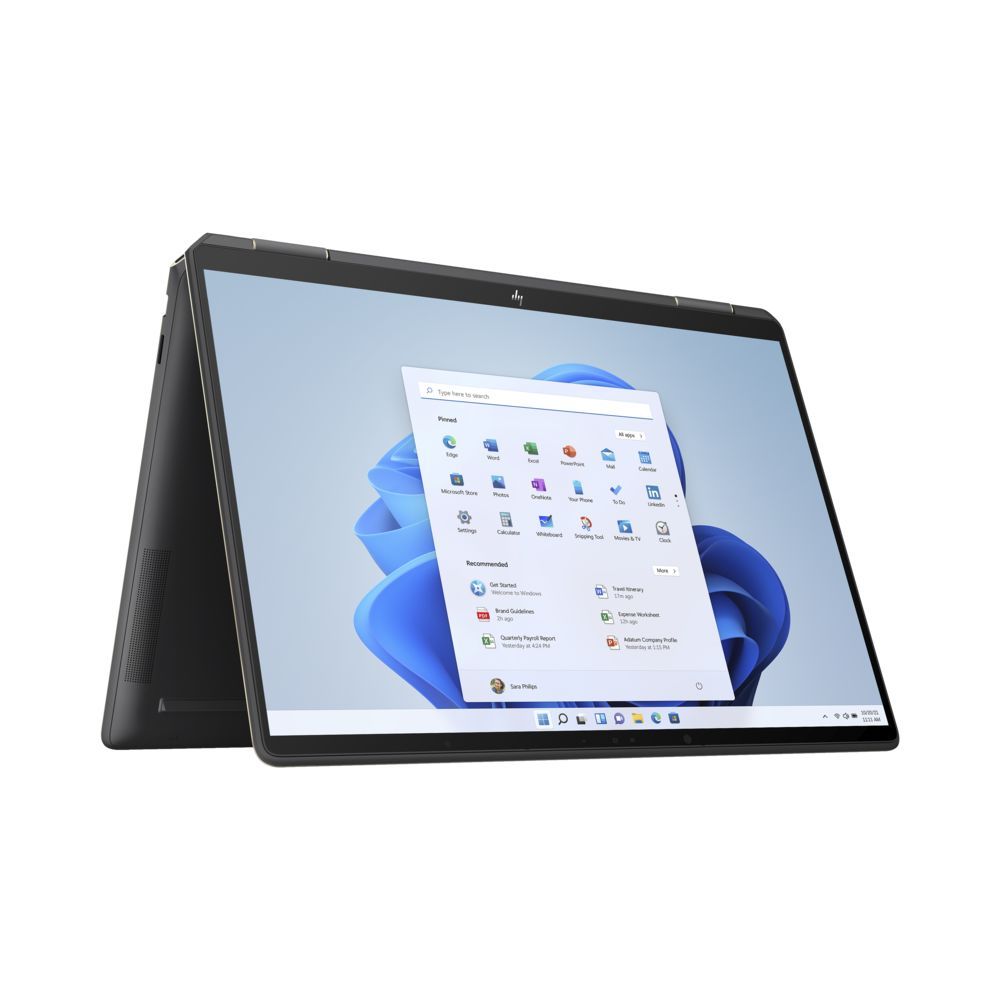
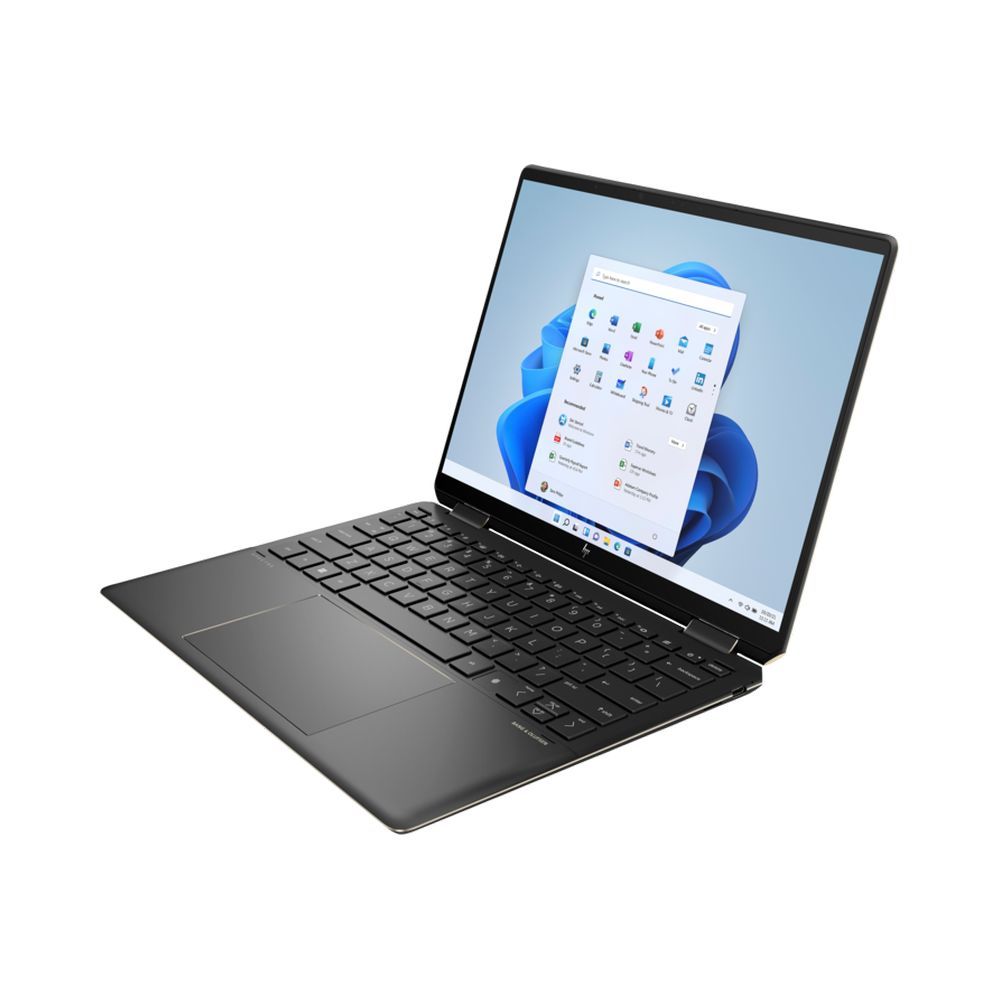
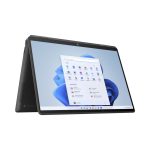
- 360-Degree Hinge: Use the laptop in different modes like laptop, tablet, tent, or stand.
With these features, the HP Spectre x360 16 AA0013dx isn’t just stylish—it’s built to perform!
What Makes the HP Spectre x360 16 AA0013dx Special?
1. Fast Performance
The Intel Core i7 Ultra 7 processor makes this laptop very quick. It helps with:
- Speed: Everything loads faster, and programs run smoothly.
- Multitasking: You can easily switch between different tasks without waiting.
- Graphics: Good for everyday tasks and some light gaming.
2. Great Display
The 16-inch screen comes in 3K or 4K options, which means:
- Sharp Images: Perfect for watching movies or working on detailed projects.
- Bright Colors: Everything looks more vibrant and true to life.
3. Long Battery Life
This laptop can last up to 17 hours on one charge. It’s great for long days at school or work without needing to plug in.
4. Flexible Design
The 360-degree hinge lets you use the laptop in different ways:
- Laptop Mode: Great for typing and working.
- Tablet Mode: Ideal for watching videos or reading.
- Tent and Stand Modes: Perfect for watching movies or video calls.
Common Questions About the HP Spectre x360 16 AA0013dx
1. How Does the Intel Core i7 Ultra 7 Help?
The Intel Core i7 Ultra 7 processor makes the laptop fast and efficient. It helps you run programs quickly and switch between different tasks without slowing down.
2. Why is the 16-Inch Screen Important?
The larger 16-inch screen gives you more space to work and play. The high resolution means that everything looks clear and detailed, whether you’re doing schoolwork or watching movies.
3. Can I Upgrade the HP Spectre x360 16 AA0013dx?
Most of the HP Spectre x360 16 AA0013dx models have fixed RAM and storage. That means you need to choose the right configuration when you buy it because you can’t upgrade these parts later.
4. Where Can I Buy This Laptop in Pakistan?
You can buy the HP Spectre x360 16 AA0013dx from store like Century computer
5. Are There Any Discounts?
Conclusion
The HP Spectre x360 16 AA0013dx with the Intel Core i7 Ultra 7 processor is a fantastic laptop that offers great performance and flexibility. It’s perfect for students, professionals, and anyone who needs a powerful and versatile device. Check out authorized retailers or online platforms for the best deals and make sure to grab one for a top-notch computing experience.
| Brand | Hp |
|---|---|
| Generation | Intel Core Ultra 7 |
| Processor Type | Intel® Core™ Ultra 7 Processor 155H (24MB Cache) – Meteor Lake |
| Processor Speed | 1.4 GHz up to 4.8 GHz (16 cores, 22 Threads) |
| Installed RAM | 16 GB |
| Type of memory | LPDDR5x-6400 MHz RAM (onboard) |
| Hard drive size | 1 TB PCIe® NVMe™ M.2 SSD (4×4 SSD) |
| Hard drive speed | – |
| Optical Drive | No |
| Type of optical drive | – |
| SSD | 1 TB SSD |
| Type of harddrive | 1 TB PCIe® NVMe™ M.2 SSD (4×4 SSD) |
| Graphic Series | Intel Arc Graphics |
| Dedicated graphics | No |
| Graphics memory | Intel ARC Graphics |
| Type of graphics memory | Shared |
| Switchable graphics | No |
| Graphics processor | Intel® integrated SoC |
| Backlight | LED |
| Screen size | 16″ diagonal, WQXGA (2560 x 1600), multitouch-enabled, 48-120 Hz, IPS, edge-to-edge glass, micro-edge, Low Blue Light, 400 nits |
| Screen surface | 16″ diagonal, WQXGA (2560 x 1600), multitouch-enabled, 48-120 Hz, IPS, edge-to-edge glass, micro-edge, Low Blue Light, 400 nits |
| Screen resolution | 2560×1600 |
| Touchscreen | Yes |
| Color | Black |
| RAM | 16 GB |
| Operating System | Windows 11 Home |
| Weight | 4.3 lb |
| Fingerprint Reader | Yes |
| Numeric keyboard | No |
| Backlit keyboard | Full-size, backlit, nightfall black keyboard |
| Bluetooth | Bluetooth 5.3 Card |
| LAN | No |
| Speed | – |
| Wireless/Wifi | Yes |
| Type | Intel® Wi-Fi 6E AX211 (2×2) |
| Condition | New |
| USB | 1 USB Type-A 10Gbps signaling rate (HP Sleep and Charge), 2 Thunderbolt™ 4 with USB Type-C® 40Gbps signaling rate (USB Power Delivery, DisplayPort™ 2.1, HP Sleep and Charge)[ |
| HDMI | 1 HDMI-out 2.1 |
| Camera | HP Wide Vision 9MP IR camera with camera shutter, temporal noise reduction and integrated dual array digital microphones |
| Operating system (Primary) | Genuine Windows 11 Home |
| Manual | https://www.hp.com/us-en/shop/pdp/hp-spectre-x360-2-in-1-laptop-16t-aa000-161-7m3l6av-1#techSpecs |
| Product page | https://www.hp.com/us-en/shop/pdp/hp-spectre-x360-2-in-1-laptop-16t-aa000-161-7m3l6av-1#techSpecs |
| Brand | HP |
|---|---|
| Screen Size | 16.0’’ WQXGA X360 LED |
| Screen Resolution | 2560 x 1600 |
| Touchscreen | Yes |
| Operating System | Win 11 |
| Processor Type | Core™ Ultra 7 |
| RAM | 16GB |
| Hard Disk Capacity | 512GB SSD |
| Graphics | Intel ARC Graphics |
| Warranty | 1 Year International Warranty |


Reviews
There are no reviews yet.