




 HP Omen Series
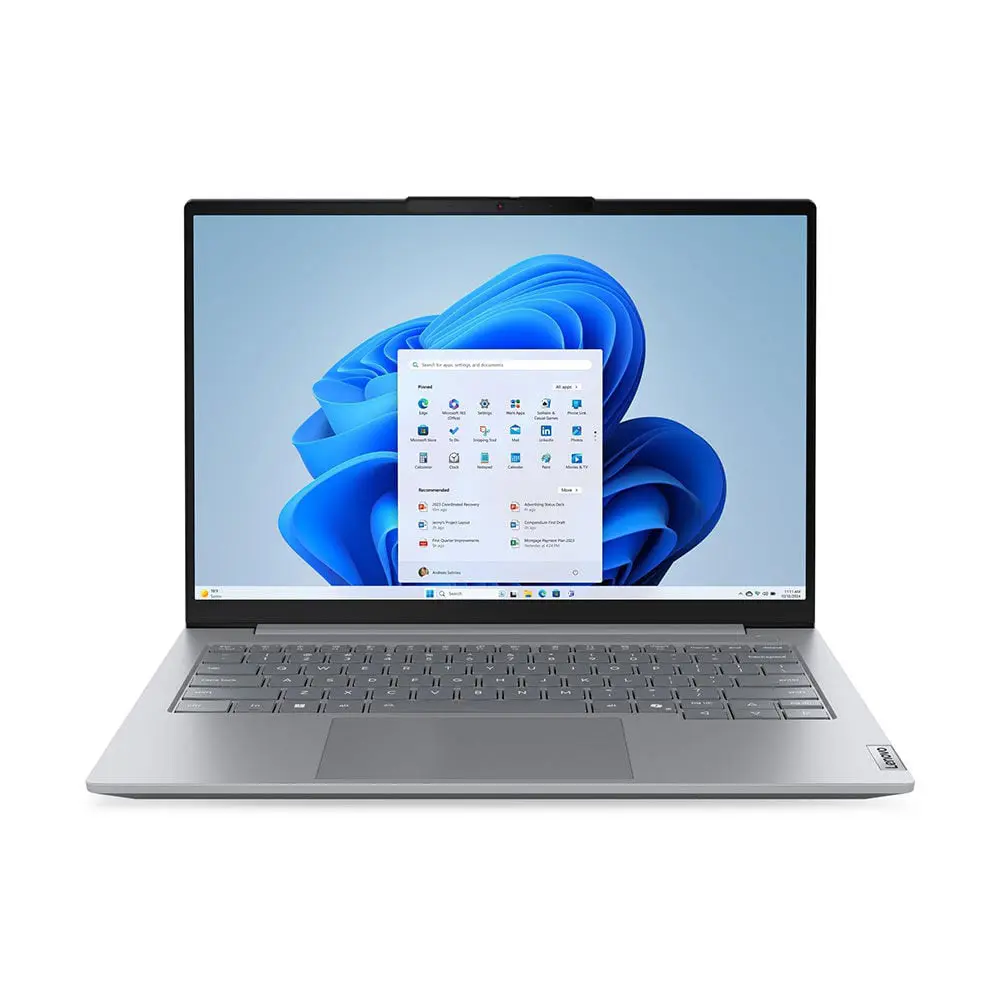
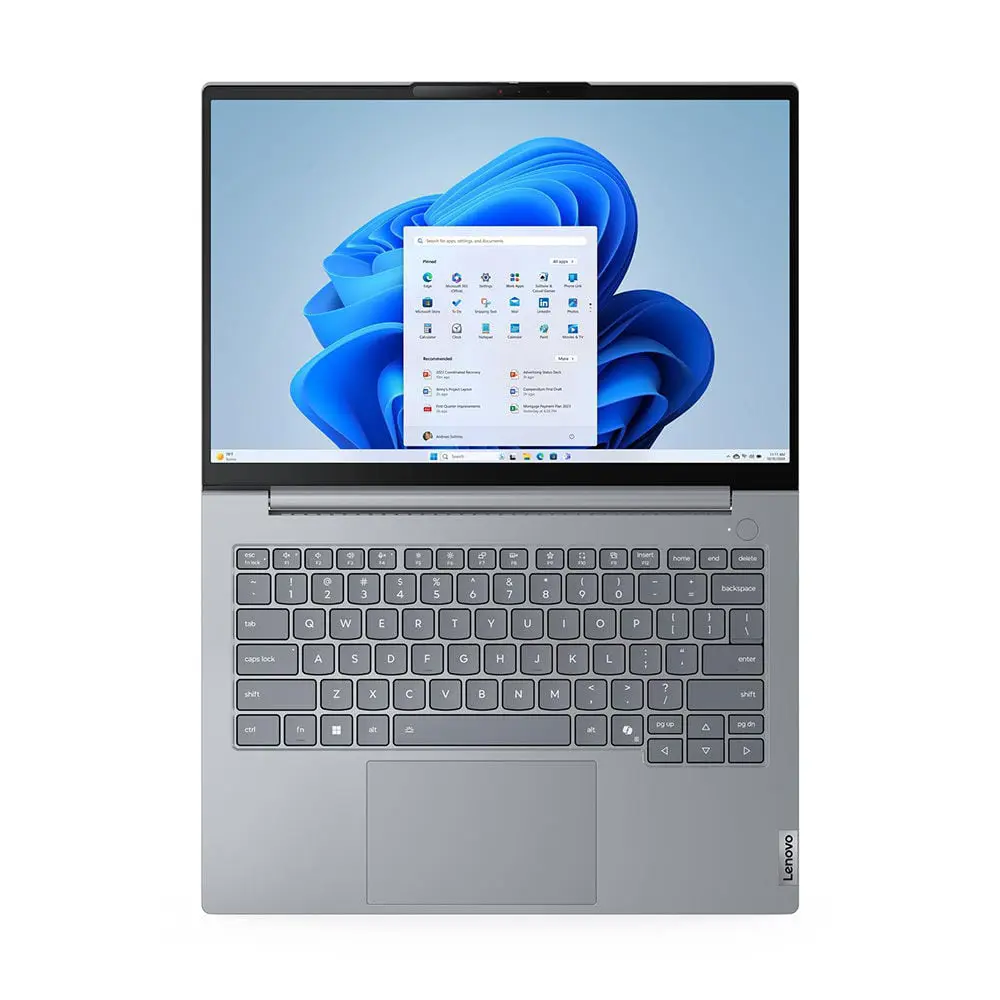
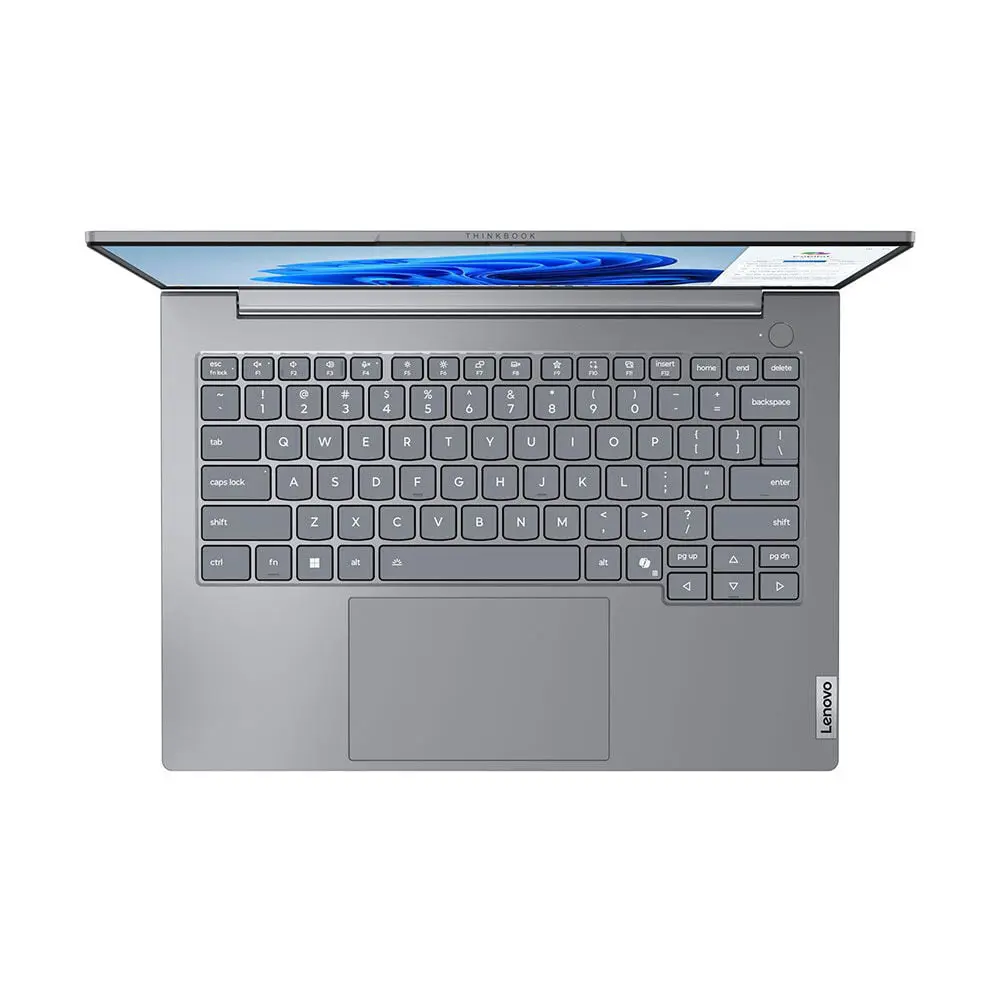
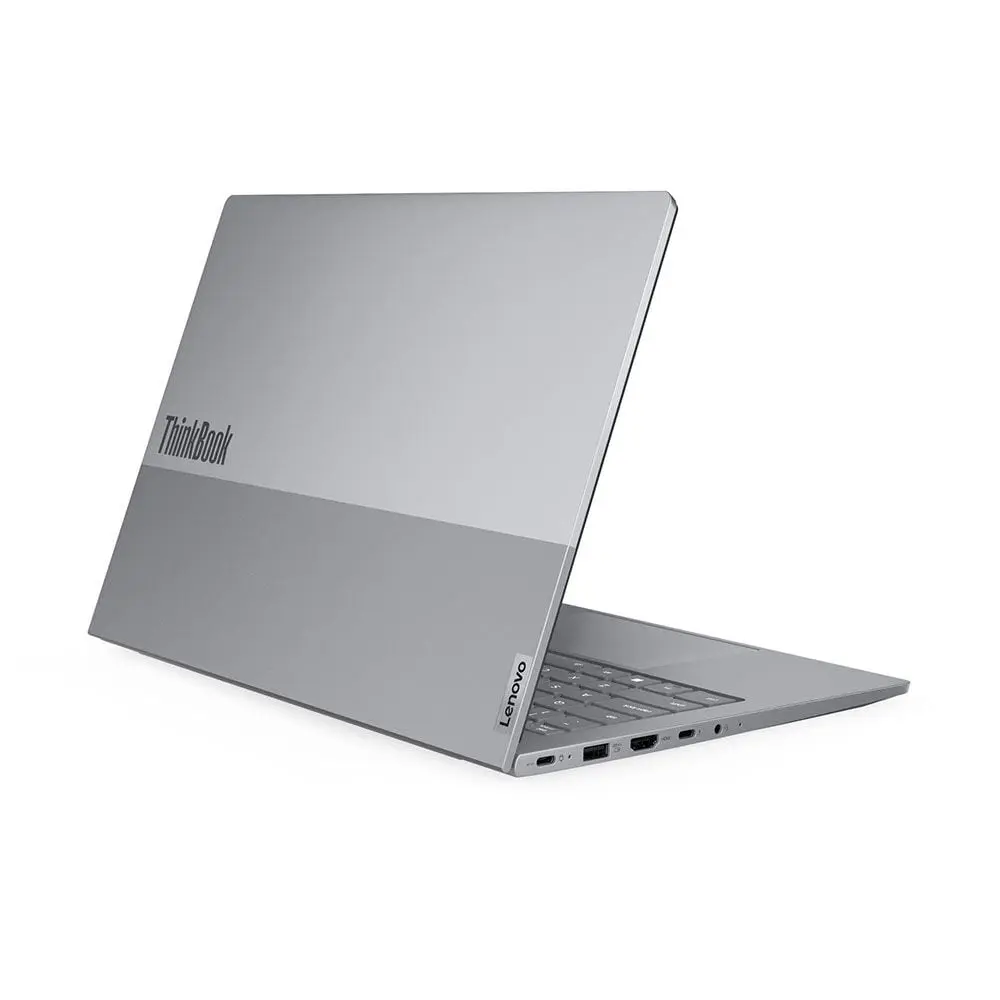
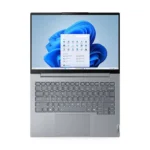
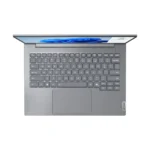
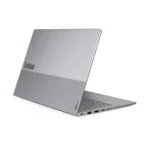
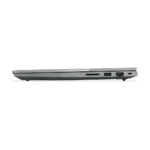
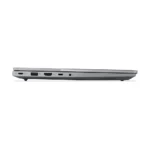
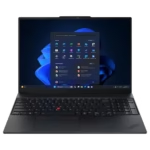
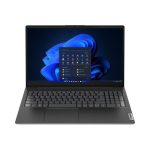

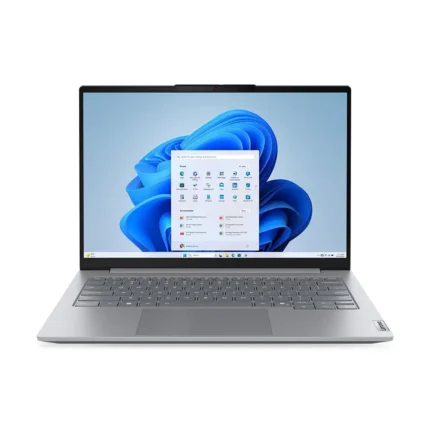
Lenovo Thinkbook 14 G8, Intel Core 7 240H, 8-GB DDR5 Ram, 512-GB NVME SSD, 14″ WUXGA IPS 60Hz Display, Windows 11, 1 Year Official Local Lenovo Warranty
Original price was: ₨ 293,000.₨ 278,000Current price is: ₨ 278,000.
Processor : Core 7 240H
RAM: 8GB Ram DDR5-5600
Storage: 512GB SSD M.2 2242 PCIe® 4.0×4 NVMe®
Graphices: Intel Integrated Graphics
Display: 14″ WUXGA (1920 x 1080) IPS , 300 Nits Brightness
Other Features: Bluetooth, Wi-Fi, Camera,
BACKLIT Keyboard + Fingerprint Reader, TPM
Operating System: Windows 11
Warranty: 01 Year Local Warranty
Lenovo ThinkBook 14 G8 – Core 7 240H | 8GB RAM | 512GB SSD | 14″ WUXGA IPS
A 14-inch business laptop built around Intel’s Core 7 240H processor, 8GB of DDR5 memory, and a 512GB NVMe SSD — aimed at everyday office, study, and light multitasking work rather than heavy creative or AI workloads.
Quick Answer
- Best for: everyday office work, browsing, video calls, spreadsheets, light multitasking, students, and general business use.
- Not ideal for: video editing, large local AI models, Copilot+ features, or color-critical creative work.
- Processor: Intel Core 7 240H (10-core, non-Ultra — see below for what that means).
- Memory: 8GB DDR5, single-channel out of the box; upgradeable to 64GB.
- AI PC status: Not a Copilot+ PC. No dedicated NPU is included on this chip tier.
[STORE DATA REQUIRED: current price in PKR] [STORE DATA REQUIRED: stock status]
Current Price and Availability
Price: Rs 278000
Warranty: 1 Year Local Warranty
Delivery: Nationwide via TCS
Payment methods: Bank Transfer
Key Specifications
| Component | Specification |
|---|---|
| Model | Lenovo ThinkBook 14 G8 IRL |
| Processor | Intel Core 7 240H (10-core: 6P+4E, 16 threads, up to 5.2 GHz, 24MB cache) |
| Graphics | Intel integrated graphics (onboard, non-discrete) |
| Memory | 8GB DDR5-4800 (single SO-DIMM), 2 slots, up to 64GB |
| Storage | 512GB M.2 2242 PCIe 4.0×4 NVMe SSD |
| Display | 14″ WUXGA (1920×1200) IPS, 60Hz, non-touch, 16:10 |
| Camera | FHD 1080p + IR hybrid, privacy shutter |
| Audio | Realtek ALC3287 HD audio, stereo 2W×2, Dolby Audio |
| Keyboard | Backlit, English |
| Fingerprint | Match-on-chip, integrated in power button |
| Wireless | Wi-Fi 6E (802.11ax 2×2) + Bluetooth 5.3 |
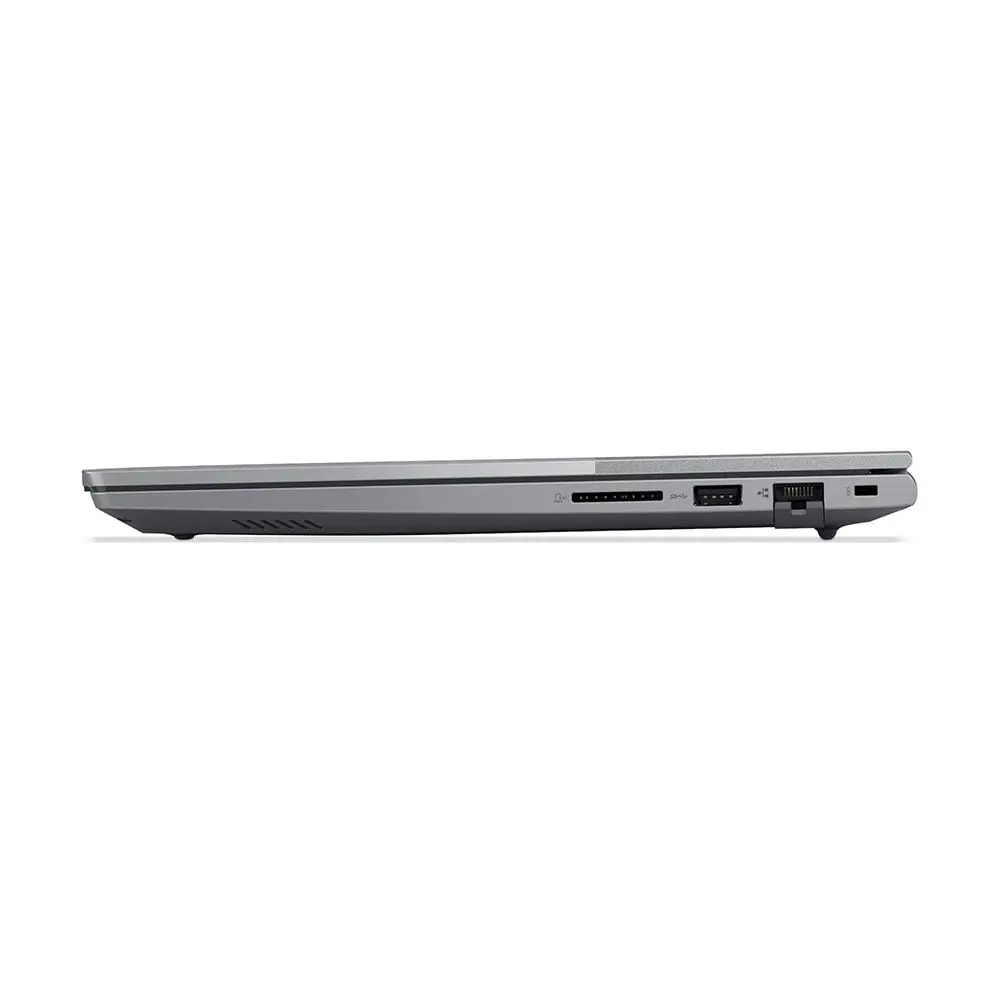
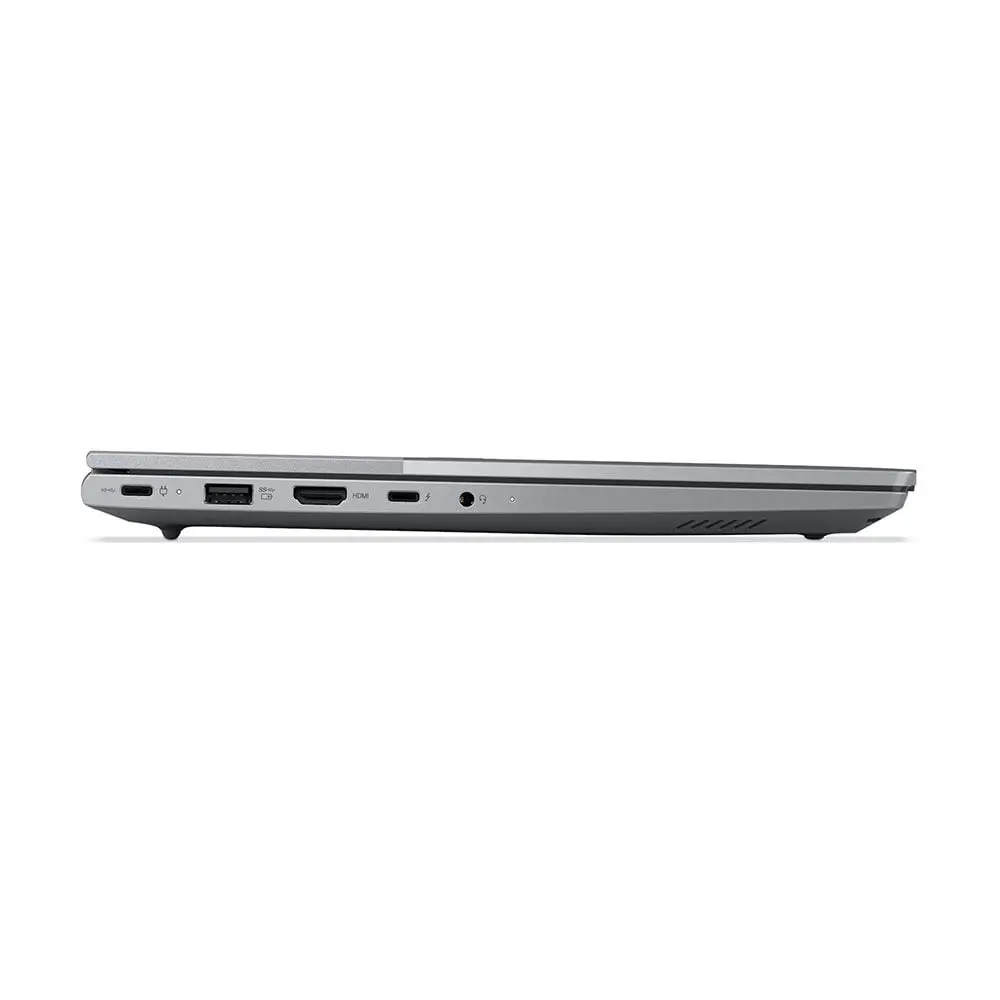
| Ports | 2× USB-A (5Gbps, one Always On), 1× USB-C (10Gbps, PD 3.0, DP 1.4), 1× USB4 (40Gbps, PD 3.0, DP 1.4), HDMI 2.1 (4K/60Hz), RJ-45 Ethernet, SD card reader, 3.5mm combo jack |
| Battery | 45Wh, 65W USB-C charger |
| Weight | 1.7 kg |
| Build | Aluminium top, PC-ABS bottom, Arctic Grey |
| OS | Windows 11 [Pro] |
| Warranty | 1 Year Local Warranty |
Which ThinkBook 14 G8 Is This? (Read This Before You Buy)
Lenovo sells the “ThinkBook 14 G8” name across two different internal chassis families, and most retailer listings don’t explain the difference — which causes real buyer confusion.
- ThinkBook 14 G8 IRL (this laptop) uses Intel’s non-Ultra H-series chips — Core 5 210H or Core 7 240H. These are conventional CPUs without a dedicated AI accelerator.
- ThinkBook 14 G8 IAL uses Intel Core Ultra 5 225U or Core Ultra 7 255H chips, which do include a built-in NPU for on-device AI features.
Both share a nearly identical chassis, display, and port layout, so it’s easy to buy the wrong one if a listing doesn’t specify the chip family clearly. If AI features matter to you, see the comparison table further down — you want the IAL, not the IRL.
Processor and Performance
Is the Core 7 240H a fast processor? Yes, for everyday and office workloads. It’s a 10-core, 16-thread chip (6 performance cores + 4 efficiency cores) that turbos up to 5.2 GHz with 24MB of cache, which is enough headroom for multitasking across browser tabs, Office apps, video calls, and moderate development or data work.
It is not a Core Ultra chip. Despite the naming similarity, “Core 7” and “Core Ultra 7” are different Intel product lines built on different architectures, and only the Ultra line carries a dedicated Neural Processing Unit. Don’t assume Core 7 gets the same AI feature set as Core Ultra — it doesn’t.
For anything beyond office/study use — video rendering, large compilations, heavier local AI inference, or sustained multitasking with dozens of demanding apps — expect this to be a capable but not high-performance machine, since it relies entirely on integrated graphics with no discrete GPU.
Is This an AI Laptop? NPU and Copilot+ Explained
No, this specific configuration is not a Copilot+ PC and does not include a dedicated NPU. The Core 7 240H is not a Core Ultra processor, and Microsoft’s Copilot+ PC tier requires an NPU rated at 40+ TOPS — a requirement only met by newer Core Ultra (Series 2) and equivalent AMD/Qualcomm chips.
This means on-device Copilot+ features such as Recall, Cocreator, and live local AI image/video effects are not available on this unit. Standard cloud-based Microsoft Copilot in Windows and Office will still work normally, since that runs in the browser/cloud rather than on the NPU. If local AI acceleration matters to your workflow, look at the ThinkBook 14 G8 IAL variants (Core Ultra 5 225U or Core Ultra 7 255H) instead — see the comparison table below.
Display
The 14-inch WUXGA (1920×1200) IPS panel runs at 60Hz with a 16:10 aspect ratio — the taller-than-16:9 ratio gives noticeably more vertical space for documents, spreadsheets, and web browsing than a standard 1080p 16:9 screen. Based on the same chassis family’s published panel specs, expect roughly 300 nits brightness and around 45% NTSC color gamut — adequate for office and study use, but not suitable for color-critical photo or video editing.
RAM and Storage
The laptop ships with 8GB of DDR5-4800 memory installed as a single SO-DIMM, running in single-channel mode. In practice, single-channel memory reduces available memory bandwidth compared to a dual-channel setup (e.g., 2×4GB), which can slightly affect multitasking smoothness and integrated-graphics performance, since the iGPU shares system memory bandwidth with the CPU. If your usage involves heavy multitasking, upgrading to a dual-stick configuration (e.g., 2×8GB or 2×16GB) will typically feel more responsive than simply adding a second 8GB stick alongside the soldered… — note: RAM here is SO-DIMM, not soldered, so both slots are user/technician-upgradeable up to 64GB total.
Storage is a 512GB M.2 2242 (compact form-factor) NVMe SSD. The chassis specification references M.2 2280 slot support for up to 2TB drives — buyers planning a storage upgrade should confirm with a technician whether the installed drive occupies a 2242-specific bay or a 2280 slot with a shorter drive, since 2242 and 2280 SSDs are not physically interchangeable without an adapter tray.
Graphics
Graphics are handled entirely by the processor’s integrated GPU — there is no discrete graphics card. This is sufficient for office work, web browsing, video playback, and light photo editing, but not intended for gaming or GPU-accelerated video rendering.
Camera, Audio and Video Conferencing
The 1080p FHD webcam with IR hybrid sensor supports Windows Hello facial login alongside the fingerprint reader, and includes a physical privacy shutter. Paired with the 2-microphone array and Dolby Audio-tuned stereo speakers, this is a solidly equipped setup for daily video calls and remote meetings.
Ports and Connectivity
Connectivity is a genuine strength at this price point: two USB-A ports, a 10Gbps USB-C port, a 40Gbps USB4 port (both carrying DisplayPort and Power Delivery), HDMI 2.1 for external 4K/60Hz displays, Gigabit Ethernet, and an SD card reader. Note that Lenovo specifies the fast USB-C port as “USB4,” not “Thunderbolt 4” — functionally similar for most external displays and docks, but worth knowing if you specifically need Thunderbolt-certified accessories.
Battery and Portability
The 45Wh battery charges via a 65W USB-C adapter. Lenovo has not published an official battery-life figure for this exact non-touch, 8GB configuration, so treat any specific “hours of battery life” claim from third-party listings with caution unless it explicitly matches this SKU. At 1.7 kg, it’s reasonably portable for a 14-inch business laptop, though not in the sub-1.4kg ultralight class.
Build Quality and Design
The chassis combines an aluminium top cover with a PC-ABS (plastic) base in Arctic Grey — a common approach for this price segment that keeps weight and cost balanced while still giving a premium-feeling lid.
Security and Business Features
Includes a match-on-chip fingerprint reader integrated into the power button and an IR camera for Windows Hello login. [STORE DATA REQUIRED: confirm TPM 2.0 presence and OS edition, as some market listings for this configuration reference TPM 2.0 support].
Operating System
Ships with Windows 11 [STORE DATA REQUIRED: Home or Pro edition — this affects domain join, BitLocker, and remote desktop host support for business buyers].
Who Should Buy This Laptop?
- Students and office workers who mainly use browsers, Office apps, and video calls
- Buyers who want a 16:10 display and solid port selection without paying for AI features they won’t use
- Anyone planning to upgrade RAM/storage later, since both are user-accessible
Who Should NOT Buy This Laptop?
- Anyone who specifically wants Copilot+ / on-device AI features — choose the Core Ultra (IAL) variant instead
- Video editors, 3D/CAD users, or gamers — there’s no discrete GPU
- Colour-critical creative professionals — the ~45% NTSC gamut isn’t sufficient for accurate photo/video color work
- Buyers who need 16GB+ RAM immediately and don’t want to pay for an upgrade on top of the base price
Pros and Cons
Pros
- Strong port selection for the price (USB4, HDMI 2.1, Ethernet, SD reader)
- 16:10 display gives more usable vertical space than 16:9 panels
- User-upgradeable RAM (up to 64GB) and storage
- Solid webcam/mic setup for video conferencing
Cons
- No NPU, not Copilot+ eligible — despite “Core 7” sounding similar to “Core Ultra 7”
- Ships with only 8GB RAM in single-channel mode
- No discrete graphics
- Battery life figures for this exact configuration are not officially published
Comparing ThinkBook 14 G8 Variants and Alternatives
| ThinkBook 14 G8 (Core 7 240H) — this model | ThinkBook 14 G8 IAL (Core Ultra 5 225U) | ThinkBook 14 G8 IAL (Core Ultra 7 255H) | HP ProBook 440 G11 (Core Ultra 5 125U) | |
|---|---|---|---|---|
| Chip family | Core (non-Ultra) | Core Ultra Series 2 | Core Ultra Series 2 | Core Ultra Series 1 |
| NPU / Copilot+ | No NPU, not Copilot+ | Has NPU, not Copilot+ (below 40 TOPS) | Has NPU, not Copilot+ (below 40 TOPS) | Has NPU, not Copilot+ |
| Cores/Threads | 10C/16T | 12C/14T | 16C | 12C/14T |
| RAM (base) | 8GB single-channel | 16GB | 16GB | 8–16GB |
| Display | 14″ WUXGA IPS 60Hz | 14″ WUXGA IPS 60Hz | 14″ WUXGA IPS 60Hz | 14″ WUXGA IPS |
| Typical PK price bracket* | ~250–260K | ~280–290K | ~310–320K | ~200–255K |
*Approximate market ranges observed at time of writing across Pakistani retailers for comparable configurations; always confirm current pricing rather than relying on this table, as prices change frequently. [STORE DATA REQUIRED: your own current prices for any of these you stock]
Frequently Asked Questions
Is the Lenovo ThinkBook 14 G8 (Core 7 240H) an AI laptop? No. This configuration uses a non-Ultra Core 7 chip with no dedicated NPU, so it is not a Copilot+ PC and doesn’t run on-device AI features like Recall or Cocreator.
Is 8GB RAM enough for this laptop? It’s workable for browsing, Office apps, and light multitasking, but the memory runs in single-channel mode out of the box. Users planning heavier multitasking should consider upgrading to a dual-stick configuration.
Can I upgrade the RAM and storage? Yes. RAM uses two SO-DIMM slots (upgradeable to 64GB total), and storage uses M.2 NVMe slots — confirm the exact drive form factor (2242 vs 2280) before buying a replacement SSD.
What’s the difference between this and the Core Ultra version of the same laptop? The Core 7 240H version (this one, “IRL”) has no NPU and is not AI-accelerated. The Core Ultra 5/7 versions (“IAL”) include an NPU for on-device AI features, at a higher price.
Does it have Thunderbolt? It has a 40Gbps USB4 port with DisplayPort and Power Delivery support, which Lenovo specifies as USB4 rather than Thunderbolt-branded.
Is this laptop good for gaming? No — it relies on integrated graphics with no discrete GPU, so it’s suited to office and productivity work rather than gaming.
Final Buying Recommendation
This is a reasonable choice for buyers who want a well-connected 14-inch business laptop for everyday office, study, and remote-work use, and who don’t need on-device AI features. If Copilot+ or NPU-accelerated features are a priority, the Core Ultra (“IAL”) variants of the same ThinkBook 14 G8 line are the correct choice instead — not this one.
| Brand | Lenovo |
|---|---|
| Processor Type | Ultra 7 Processor 155H |
| RAM | 8GB |
| Storage | 512GB SSD |
| Screen Size | 16″ WUXGA (1920×1200) IPS 300nits |
| Warranty | 1 YEAR LOCAL WARRANTY |

Reviews
There are no reviews yet.